

Windows application
Convert your 3D models.
Use Ripper Lab for Windows to import 3D models and export them with their textures.
- glTF
- FBX
- DAE
3D preview
Ratchet WrenchPoly Haven · CC0
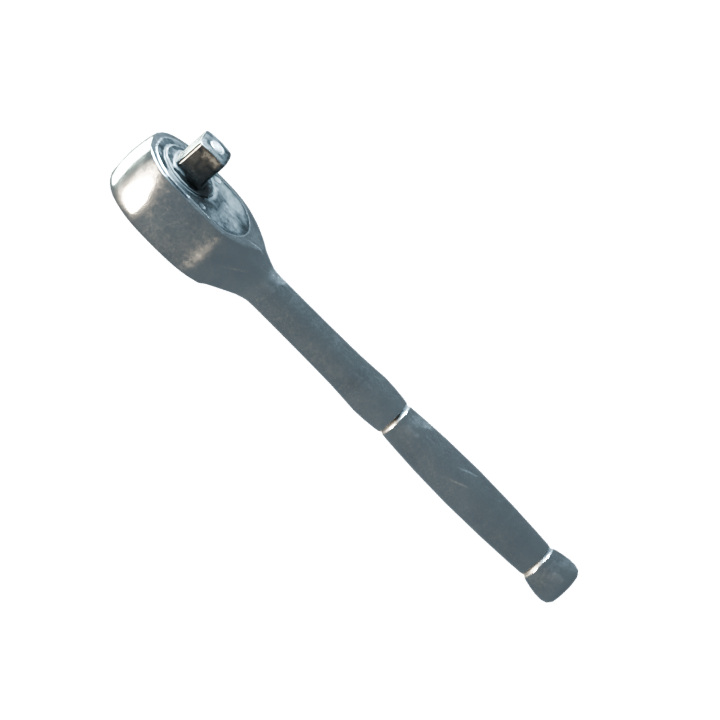
Drag to orbit · + / − to zoom Drag to orbit · pinch to zoom
Quick guide
From model to file.
-
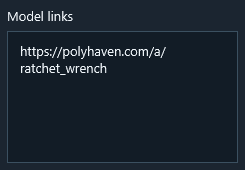
Add your model
Paste a link to a downloadable model or import a local file.
-
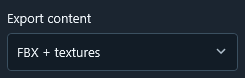
Choose a format
Choose glTF, FBX or DAE. Conversion from glTF/GLB to FBX or DAE uses Blender. DAE conversion needs Blender 4.5 LTS.
-
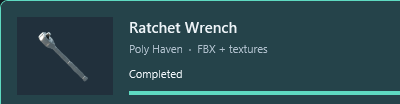
Find your export
Follow the queue, then open the folder containing the model and its textures.
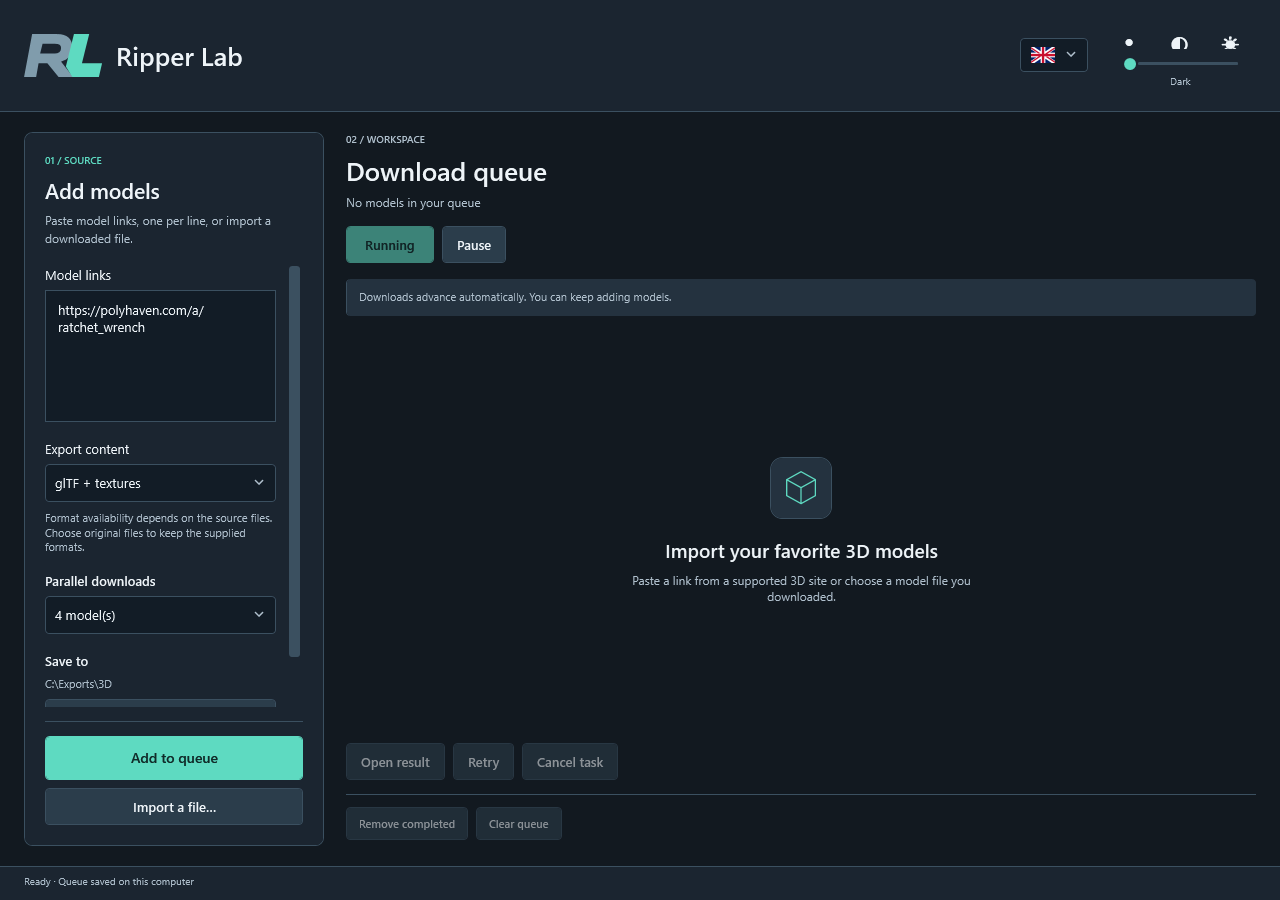
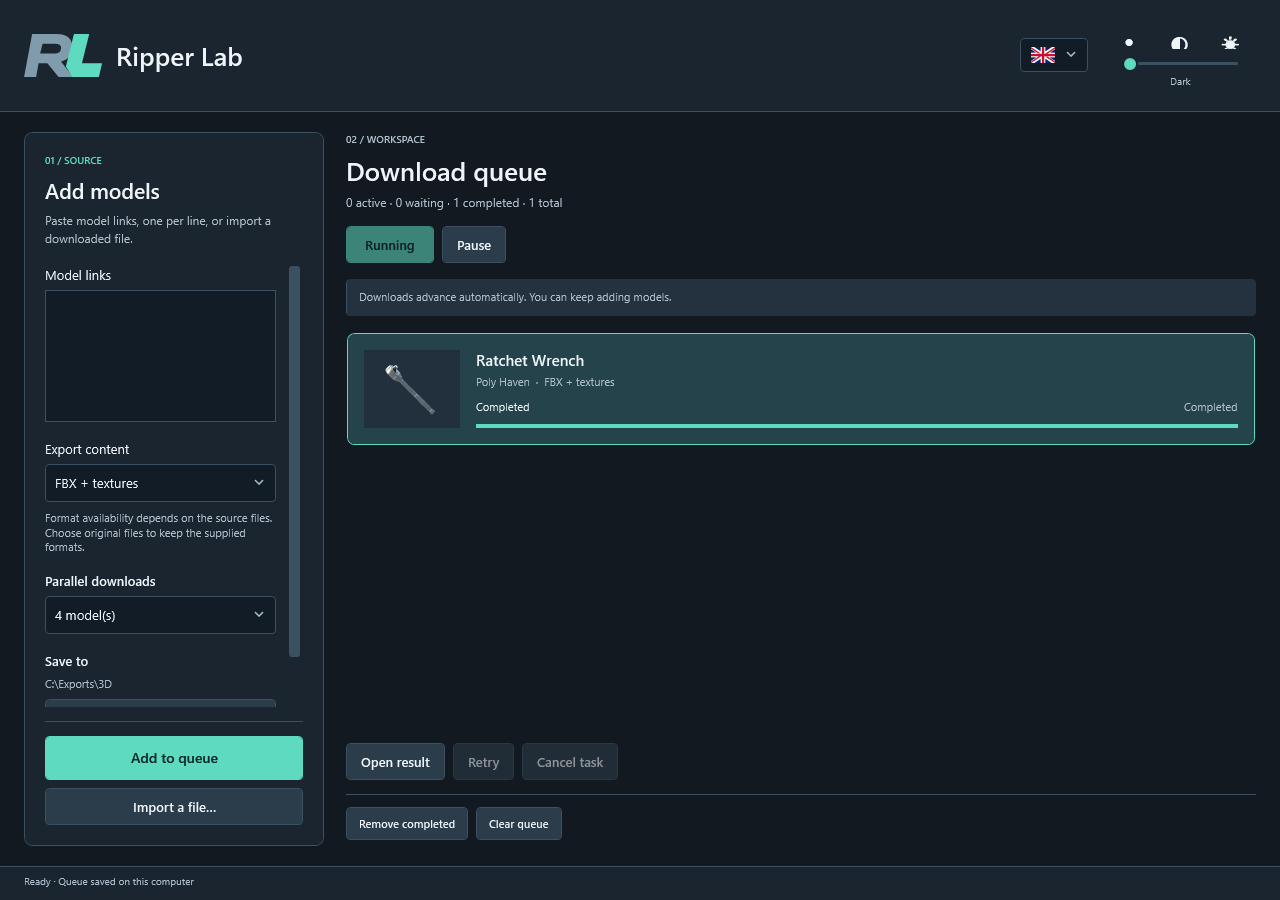
Ripper Lab for Windows
Extract the ZIP archive, then open RiperLab.exe from the extracted folder.
Requires 64-bit Windows 10/11, .NET Desktop Runtime 10, Python 3.11+ and Node.js 24.
Download now
Version 0.5 · ZIP archive